Disable SpamAssassin
To disable SpamAssassin for a given email account when it is enabled globally, please follow these steps:
- Go to the Mail Manager section.
- Click on the Gear icon next to the email account, and select the Filters option. You can also click the number in the SA level column next to the email account. This will take you directly into the Spam and Antivirus subsection for the email account.
- Click on Disable locally.
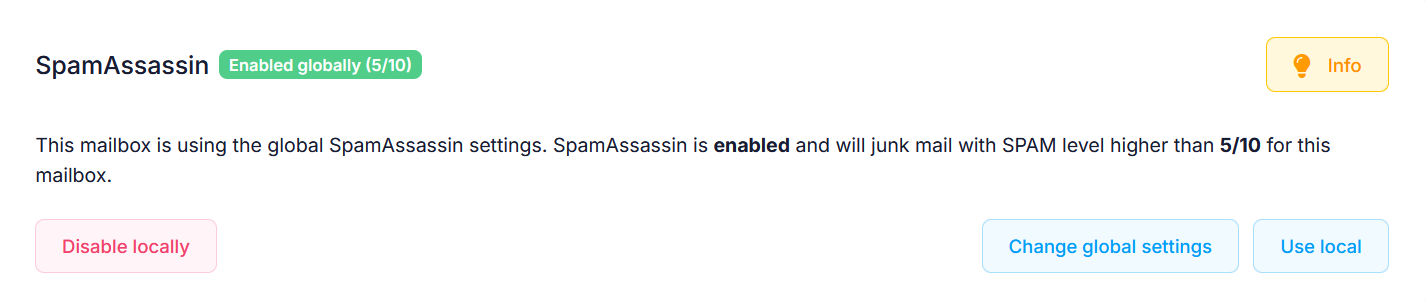
If you wish to disable SpamAssassin altogether, go to Global mail settings > Spam and Antivirus, and click on the toggle next to SpamAssassin.
Note: Generally, we would recommend that you keep SpamAssassin enabled as it protects your mailboxes from unsolicited messages.